
About our Curriculum
...porting results and drawing conclusions. Computing In Computing we follow the Purple Mash Scheme o......s and drawing conclusions. Computing In Computing we follow the Purple Mash Scheme of Work. Intern...
Science and Sustainability
Science We recognise the importance of Science in every aspect of daily life. As one of the core subjects taught in Primary Schools, we give the teaching and learning of Science the prominence it requires. Our vision for science is, “to ensure that children are given a science curriculum, which...
Computing
...m, please talk to Joel Power. Computing in EYFS We understand how important it is that children deve......urces for different purpose. Computing in KS1 EYFS and Year 1 spaces have dedicated Computing areas......s using programmable devices. Computing in KS2 In Years 2-6, weekly Computing lessons follow Purple ...

Year 2 - Computing week 5
This week year 2 continued their creating pictures topic and learnt about the artwork of Piet Mondrian. We then explored making our own pieces of art on 2paint a picture, and focused on using solid lines and blocks of colour

Year 2 - Computing A2W3
This week we continued our Online Safety topic, and were introduced to emails. We discussed how emails can be a quick and easy form of communication, but we have to be aware of who we are talking to and how we conduct ourselves. We used 2email to start a conversation with Barnaby Bear, and were...

Year 2 Computing A2W2
This week we started our new topic of online safety. We explored the search bar on Purple Mash and discussed why it's a safe search compared to search engines such as google. We also used the filter option to narrow down our results and found our activity for the day. Once we completed our work...
Year 2 - Geography and Computing
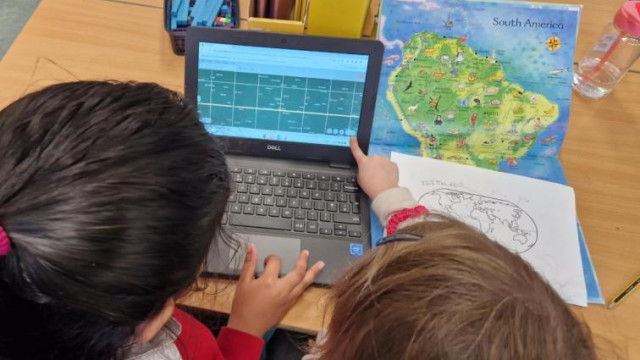
We learnt about the equator and the north and south poles this week. We explored why these places are either really hot or really cold, and compared their distance to the sun. We used atlases and Google Earth on chromebooks to identify countries that are close to the equator and polar regions and...

Year 2 - Computing Week 2023 - Week 7
This week was our final lesson on creating art. We looked at some of the work by William Morris and thought about the patterns he made, how he used symmetry and rotation, and how he repeated patterns. We made our own repeated patterns in two different ways, they look amazing!

Year 2 - Computing week 4
This week in our computing lesson we explored pointillism art. We discussed aspects of this theme and looked at lots of example pieces. We then used 2paint a picture to create our own pointillist art pieces using a body outline as a template

Computing fun in Toucan class!
We learned about spreadsheets and had a go at creating our own using Purplemash

Year 2 Computing Week 3
This week we started our topic for this half term which is 'creating pictures'. We explored impressionist art and then made our own impressionist style painting by using 2 paint a picture

Year 2 - Computing Summer 2
This half term our topic has been presenting ideas. We have looked at a range of ways to present the story of Goldilocks. We read an e-book, took a quiz and explored concept maps. Last week we made our own quizzes, thinking carefully about the types of questions we wanted to include. We chose from...

Year 5 - Computing: Blog Publishing
In computing last week, we spent time publishing our writing. But because we wrote a few blog posts, we decided to type them up as if they were on a blog. We learnt about how to include photos by copy and pasting, change the colour and font of the text as well as what layout would look best for a...

Year 5 - Computing Week 2
We've spent another week familiarising ourselves with the 2Design and Make program. This lesson focused on changing the shapes of our vehicles. We did a few challenges as a class
History and Computing
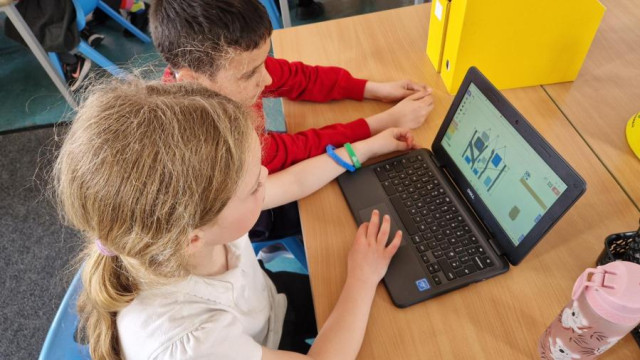
As part of our Great Fire of London topic, we used 2Create on Purple Mash to design our own tudor houses. We thought carefully about the features of the houses such as wooden beams, thatched or tiled roofs and white exterior

Computing Week 4
This week we used 2Question to follow a binary code in order to find out the names of each avatar. We carefully answered yes or no to each question to find the correct names. We then used our debugging skills to find the errors in a binary tree and fix them so that each step worked correctly

Computing Week 3
This week we explored binary trees and worked collaboratively to think of questions that could be used to classify a range of avatars. We then tested our binary tree to make sure each question worked well and we could identify each avatar by asking yes/no questions

Year 2 Spring 1 Week 1 computing
...be....
Computing Team - Augmented and Virtual Reality Apps
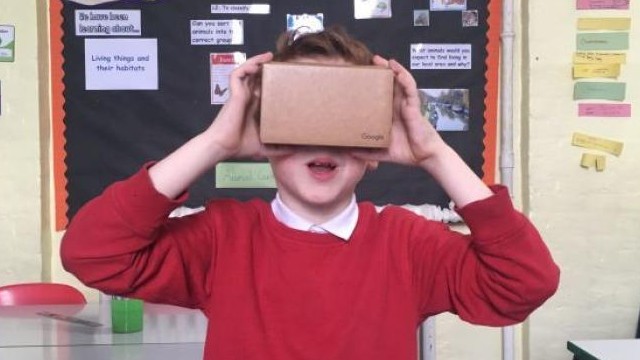
The computing team met with the fabulous Oyedo who showed us all about augmented and virtual reality apps. Watch this space for our own apps coming soon

Computing Week 2
...togram to show the answers....
Year 2 - Week 2 Computing: Online Safety
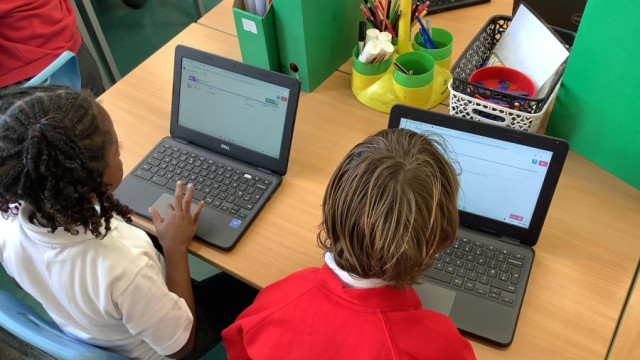
For this topic we have been learning all about keeping ourselves safe when we are using online devices such as computers, tablets and phones. We discussed how to search and filter information, alongside exploring how Purple Mash is a safe site to search on. We learnt about emails, and how we can...
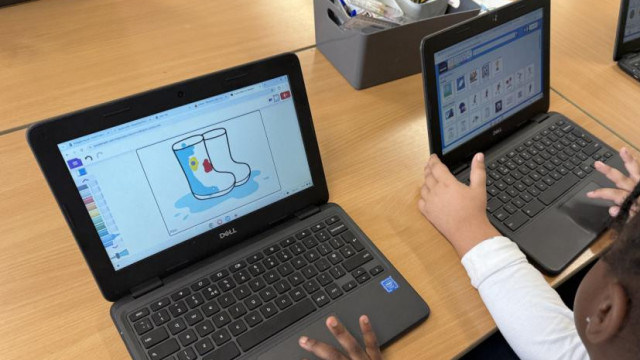
Year 2 - Computing: Exploring Purple Mash
For our first computing lesson in Year 2, we spent the lesson learning how to log in to Purple Mash and exploring the website. We will be using Purple Mash for almost all of our computing learning from now all the way up to Year 6!
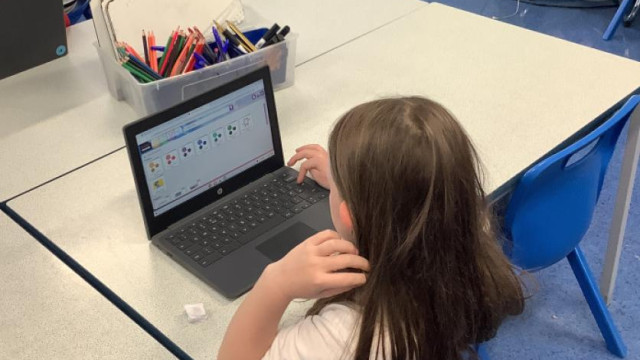
Year 4 Hornbills - ICT lesson
...ornbills had their first ICT/ Computing lesson today where they discussed Online Safety. They had a few task to complete using Purplemash which taught them how to stay safe when using the internet....
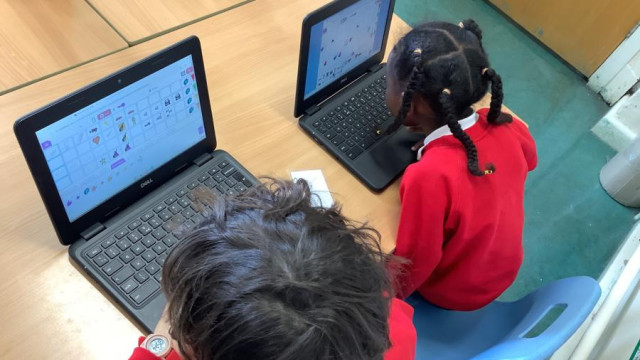
Year 2 - Computing: June 2025
We have been learning about making music on Purple Mash as part of our computing learning
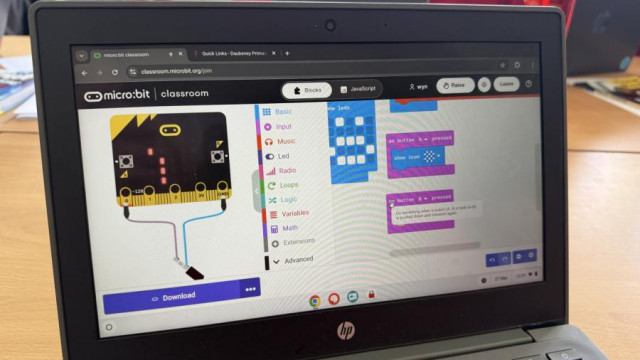
Year 5 - Computing Workshop
Today, Mr Power from Sebright taught us about coding by using these mini computers called microbits! We learnt how to set them up and made our microbits show our name and even sing us a song!
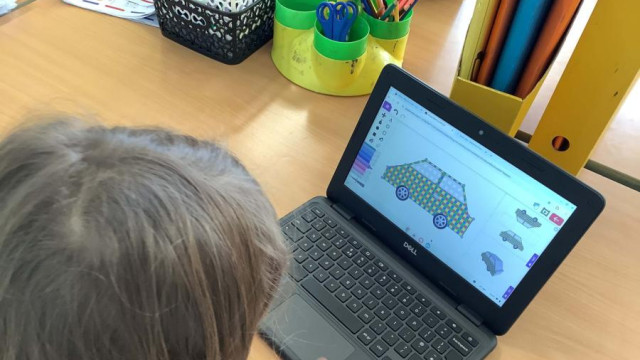
Year 2 - Computing in DT
We spent time this week using Purple Mash designing our very own cars. We thought about where we wanted to place the wheels, the shape of the chassis and the colour or pattern of the body. We had lots of fun being creative with our designs!
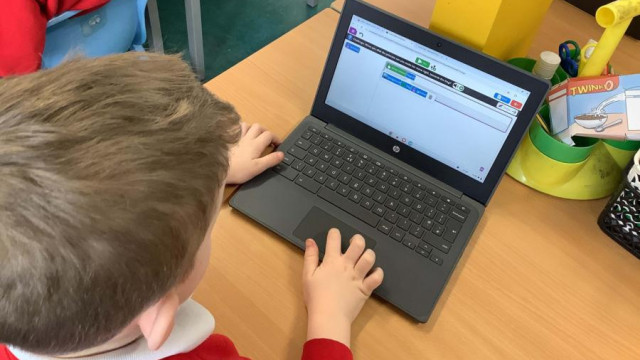
Year 2 - Computing
To continue our coding topic, we wrote an algorithm for The Princess and The Frog. We made each character move, and used the collision detection again, this time to turn the frog into a prince! We also explored debugging an algorithm that had mistakes
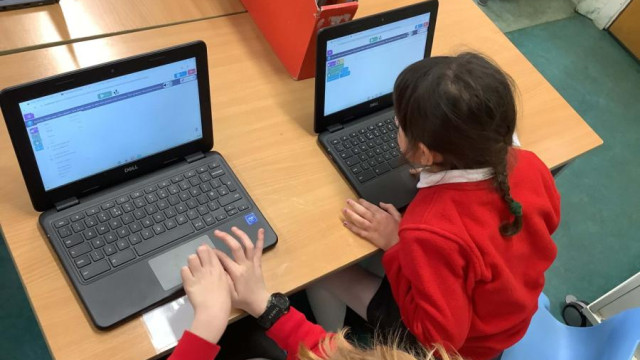
Year 2 - Computing
...in our code....
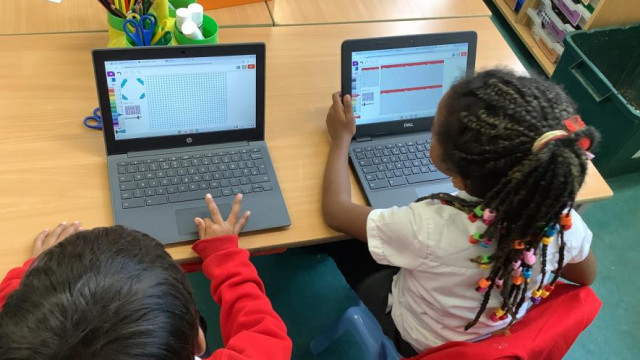
Year 2 - Computing Week 6
For this lesson we focused on the work of William Morris and explored repeated patterns. We identified that lots of pattern work contains flowers and leaves, and we thought about what pattern we could make. We used 2paint a picture to create our repeated patterns, and experimented with size,...

Year 2 JIGSAW Spring 2 week 2
... each have different opinions....
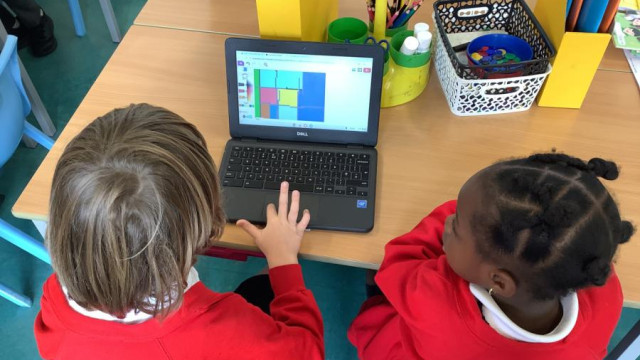
Year 2 - Computing Week 5
For this week's computing lesson we looked at the artwork of Piet Mondrian. We thought about how he used lines and blocks of colour to create his pieces and then we created our own!
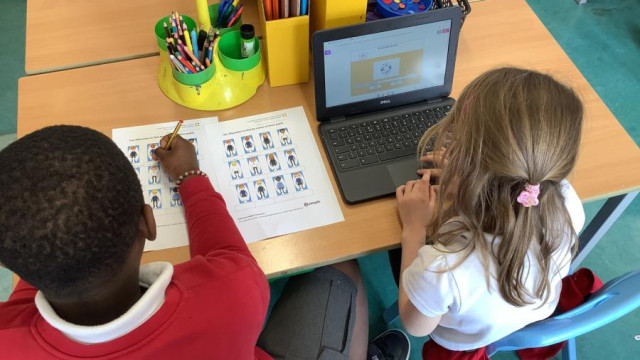
Year 2 - Computing: Week 4
In week 4, we used all of our knowledge about binary questions to use a program to find out the names of our avatars. We had to answer questions carefully to get the right name! We also debugged a binary tree that had some errors!
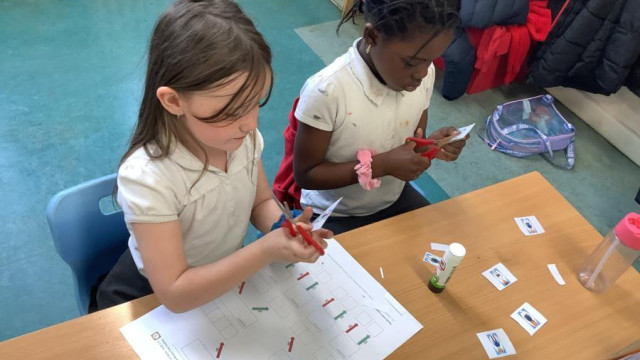
Year 2 - Computing: Week 3
This week we used the same avatars and began to use our binary questions to identify characters. We thought about questions we could ask that would have a yes or no answer, that would split our options into two equal groups. When they were all complete we had made our own binary tree!
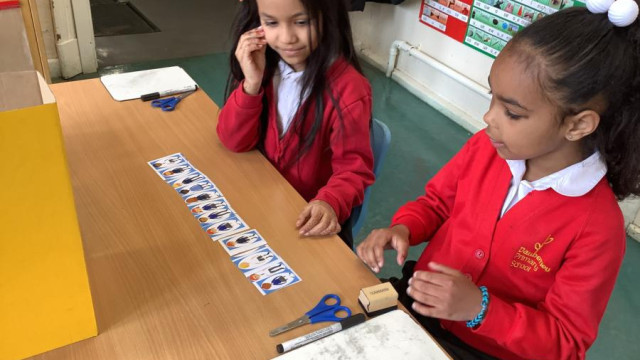
Year 2 - Computing Week 2
Our new topic this half term is Questioning. This week we were introduced to binary questions which only allow for 2 answers. We played a game of guess who with our computing avatars, making sure our questions could only have yes or no as answers. Next week we will be using binary questions to...
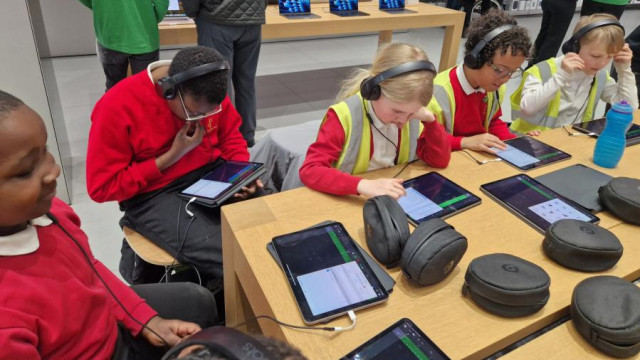
Digital Leaders trip to Apple
Our Digital Leaders team had lots of fun at the Apple store in Stratford. We had an interactive session all about using GarageBand to make our own theme tune. We thought about the beat we could create, the tempo of the track, the additional instruments we could use and even included special...

Year 2 - Computing Week 6
This week we used 2Beat on Purple Mash to create our own beats for our music. We were then able to upload this into 2Sequence to finish making our tunes with our own melodies on top

Year 2 - Computing Week 4
...ch of our tunes were....

Year 2 Computing Week 3
This week we began our topic of Music. We used 2sequence on Purple Mash to create our own digital music, thinking about the tempo, volume and range of instruments we could choose from

Year 2 - Computing Week 6
This week we made our own race course with a range of characters. We thought about how the options for the turtle were different from other objects and programmed each of them to move. We had fun exploring how we can create and change algorithms of our own!

Year 5 - Literacy: Biography research (Computing)
For our literacy topic, we are learning to write biographies. As we are reading Floella Benjamin's Coming to England, we decided to write about her. We did research using a range of sources, such as fact files and the internet

Year 5 - Computing: 3D Modelling Introduction
...rted our 3D Modelling unit in Computing and we explored a new program called 2Design and Make on Purple Mash. We designed our own houses that we can print the net for to create a 3D model of our houses....
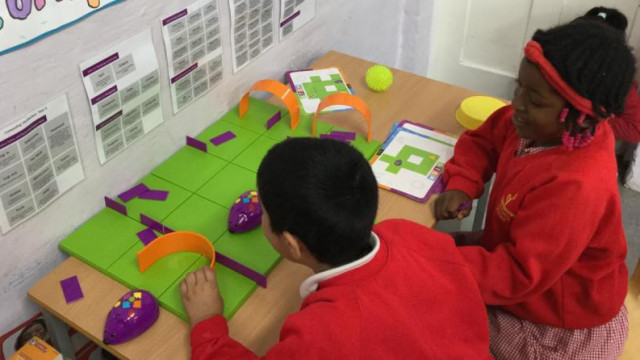
Year 1 - Computing - Week 4
This week Year 1 have been using the mouse bots to practice giving precise instructions when they are coding. They thought about the route the mouse had to take in order to get to the cheese and avoid any obstacles in the way. They also had to debug the mouse if any of the instructions were wrong!

Year 4 - Computing: 2Animate
Year 4 produced some brilliant animations. They learnt to copying from frame to frame, deleting and adding frames, changing speed and background, onion skinning and adding sound to their animations

Year 1 - Computing - Week 3
For week 3 of computing in Year 1, we used Chromebooks to practise our Maths skills, sequencing numbers from 1-100. We thought about how to navigate a website to get to the page that we need and how to accurately use the touch pad

Year 1 - Computing - Week 2
In Week 2 of computing, Year 1 used Chromebooks to design their own version of an Alberto Giacometti sculpture, as part of our Cross Curricular Art topic. They used 2Paint on Purple Mash and thought about the colour and shape of the lines they needed to use

Year 5 - Computing: Game Design
This week we spent time really focusing on our game design skills by using 2DIY3D on Purple Mash once again. We spent time adding more levels to our games as well!
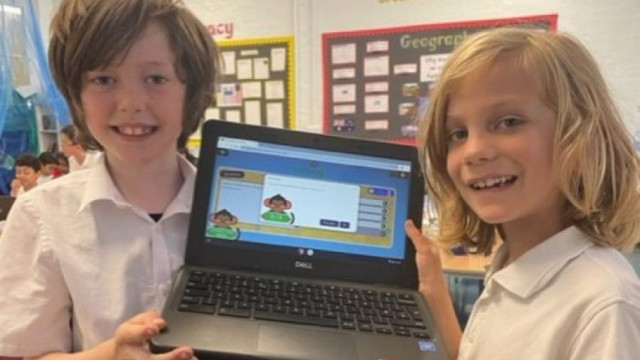
Year 2 - Computing: Searching the Internet
This week 2KF have been learning about searching the internet. They had lots of fun trying to find answers about dinosaurs using a search engine called Google. When they finished, they tested their knowledge of dinosaurs by completing a quiz on Purple Mash
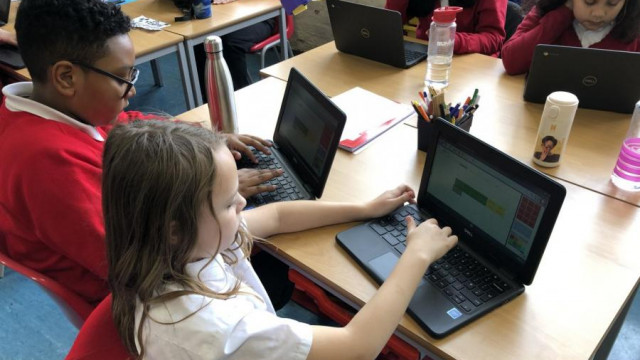
Year 5 - Computing: Spreadsheet Area and Perimeter
This week, we learnt about how we can use formulae to calculate things for us easily, like area and perimeter. By copying and pasting a forumlae, we could find the area and perimeter of a shape by simply typing in the length and width of the shape
Year 1 - Computing - Week 5
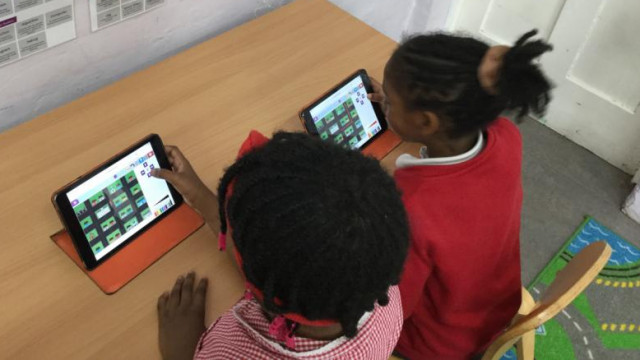
This week Year 1 have been practicing their coding skills using 2Go on Purple Mash. They thought about which direction they wanted the object or person to move and could press the correct button using a range of different backgrounds and paths

Year 5 - Computing: Spreadsheet Counters
This week in computing we continued our topic on Spreadsheets and learnt how to add a counter. We used this to answer the question "Is 'e' the most popular vowel?" Look at how we did!

Year 5 - Computing: Spreadsheets
We have started a new computing topic and it is Spreadsheets! We are learning about formulas and how to make our lives easier when we are adding and subtracting by using a spreadsheet. This week, we learnt how to make a spreadsheet that converts metres to centimetres and centimetres to metres!

Year 5 - Computing: Plagiarism
Do you know what plagiarism is? We learnt about it and how we have to reference the information we copy or borrow from different sources!

Year 5 - Computing: SMART
What are the responsibilities and support when we are online? In Year 5 today, we learnt about SMART, which helps us stay safe on the internet. We discussed our thoughts and took notes on Purple Mash

Maths Junior Team Coding Club
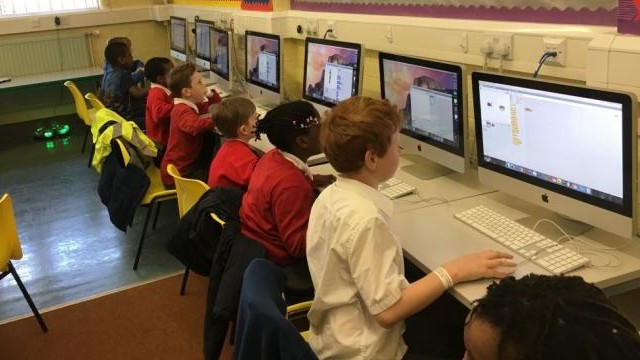
At Daubeney the Maths Junior Team have been having a fantastic time engaging in a Coding Club. This is held every Friday morning and facilitated by two of our very enthusiastic parents. The pupils are fully engaged during these sessions and looking forward to creating their own amazing projects...
Coding Challenge
... to play our games soon......

Year 5 - Computing: Levels, Instructions and Titles
This week, we focused on including instructions and titles onto our games. We even thought more about how levels can be different or more difficult

Year 4 - 4M: ICT Online Safety
On Monday (5-09-2022) the children in 4M had their first computing session and focussed on online safety. They completed a few activities using PurpleMash and answered a quiz all about online safety
Year 2 - Spring 2 Week 2 Computing
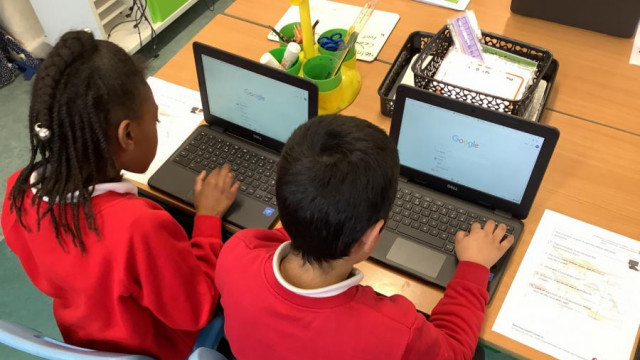
This week we started a new topic, learning about effective searching. We explored the difference between the internet and the world wide web, thought about different browsers that you can use and identified search engines to help us find information we need. We used this knowledge to search for...

Year 2 - Computing Autumn 2 Week 1
This week we learned how to use the search bar on Purple Mash to find resources on the site. We spoke about it being a safe search bar, and how search bars on the wider internet might not be safe. We used the filter option to make sure we found relevant resources. We completed an emotions activity...

Year 5 - Computing: Friction and Functions
It's week 4 of coding in Year 5 and we are working on some more complicated things like friction and functions. We know that friction stops us from sliding all over the place and made use of this knowledge to stop the football on our screen from sliding off. Then we created a function where the...

Year 2 - Computing Autumn 2 Week 5
This week we continued with our topic of Spreadsheets. We made a magic square using our coloured cells and identified and used the 'total' buttons this week. We then explored ways in which numbers could be placed inside the square to make the totals the same around the outside

Year 2 - Computing Autumn 2 Week 4
This week we started our new topic of Spreadsheets. We learnt how to colour individual cells in our rows and columns, and also how add an image to a cell. We then explored adding a value to an image, and using the counting tool to say how many items we had in a certain area
Year 3 - Stone Age Blogging
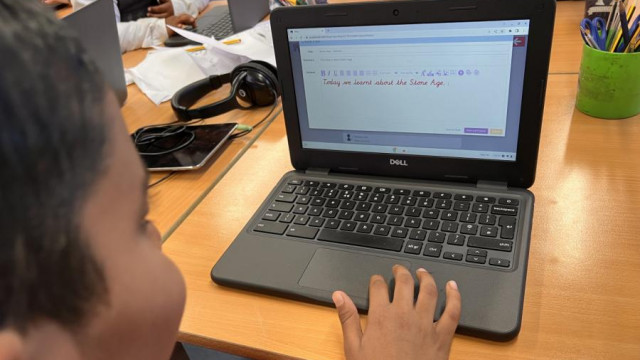
This term Year 3 are learning all about the Stone Age, Iron Age and Bronze Age. In computing this week, Year 3 were learning about blogging so the children got the opportunity to produce a blog about what they have learnt in History so far. Children got to post their blogs and read and comment on...

Year 2 - Computing Autumn 2 Week 3
This week is the final week in our online safety module. We explored our digital footprint and discussed how everything we do online leaves a trail behind us, like taking barefoot steps on a beach

Year 2 - Computing Autumn 2 Week 2
This week we continued our internet safety topic and learnt about using emails as a way to communicate with other people. We learnt how to reply to a message and send an attachment too!

Year 2 - Computing Autumn 1 Week 7
This week we completed our final lesson in our art topic for computing this half term. We explored surrealism and then used eCollage on Purple Mash to make our own artwork using drawings and clip art

Year 2 - Computing Autumn 1 Week 2
This week we discussed our online safety agreement, talking about how to keep ourselves safe when using a device and who we should ask for help. We practised logging in to the chromebooks using our individual usernames and passwords, and then logged in to LGFL to access Purple Mash. We then had...

Year 1 - 1A Computing: Harvest Festival
This week we've been using the Chromebooks and linking it in with our RE topic - Harvest festival. We used Purple Mash to create a harvest basket, full of delioucious fruits and vegetables. We've been using the programme to drag and drop and select colours on paint

Year 2 - Computing Autumn 1 Week 6
This week we explored the art work of William Morris and discussed how they use repeated patterns and rotations. We then used 2Paint to make our own repeated pattern piece of art. We thought about the design we made and the size of the pattern as well as the option to rotate our designs

Year 4 - ICT and Geography
Today, 11-10-2022, the children in 4L had their computing session where they used their ICT skills to learn more about our Geography topic, 'Earthquakes'. They researched information and completed activities on PurpleMash all about Earthquakes
Year 3 - Computing - Coding
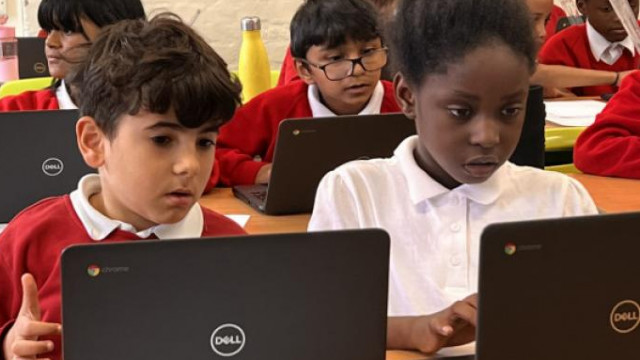
...ing about coding this term in Computing. They have now learnt what an algorithm is and how to make virtual objects move using the coding symbols and instructions. They are super excited about Computing lessons and always look forward to it each week!...

Year 2 - Computing Autumn 1 Week 5
This week we used 2Paint on Purple Mash to explore the art work of Piet Mondrian. We discussed how they used lines and colour to produce their art work, and then had a go at making our own versions

Year 2 - Computing Autumn 1 Week 4
This week Year 2 learnt about pointillism art and how it is different from last weeks art technique. We explored some art work from Georges Seurat and Paul Signac before we created our own masterpieces using the chromebooks

Year 2 - Computing Autumn 1 Week 3
This week we used 2Paint on Purple Mash to create a piece of art using impressionism as our theme. We created our own individual paintings and explored the way they made us feel
Year 2 Computing - Creating pictures: Impressionism
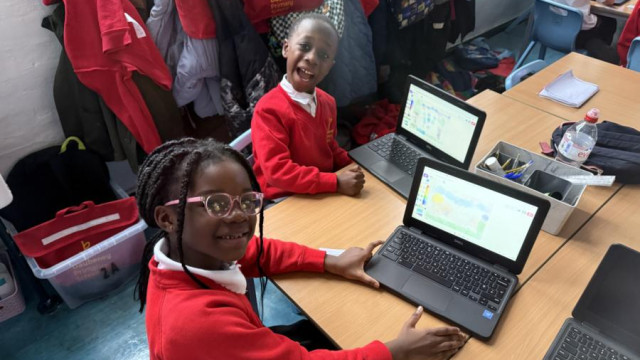
Do you know what impressionism is? We learnt about the art style of impressionism today and created our own impressionist inspired art on Purple Mash!
